
When you booked your stand, you also selected an EasyGo package. GoLeads, GoPlus, and GoPremium are our three packages. To see which package you have booked, please check your order confirmation or log in to My Easyfairs.
Included in all packages:
Read more about the EasyGo packages here.
What is My Easyfairs?
The majority of visitors plan their visit via our website. The information entered in My Easyfairs is what appears in our exhibitor list on the website. Here, you can present your company, your products, news, and job postings. During the event, visitors can scan your reader with their smart badges (name badges) and receive the information you have uploaded via email.
Through My Easyfairs, you can also:
Log in to My Easyfairs:
When your company’s stand was booked, the person who made the booking received an email from “My Easyfairs” with a link to the system, asking them to confirm their email address and choose a password. The email address is used as the username, and the chosen password becomes the login password. If the password has been forgotten, select “Forgot password” and follow the instructions. In some cases, if there are issues, it may help to switch browser and try again.
Have you entered your information previously? This information is still stored in My Easyfairs. You need to log in for it to appear in the current exhibitor list on the website.
Add more users:
You can invite each other to My Easyfairs if you would like more people within your company to have access to the account.
Link to My Easyfairs login
You register your stand staff yourself via My Easyfairs. All stand staff must be registered. Please follow these steps:
Height exposure includes all stand construction and display elements such as banners, hanging banners, walls, signage, or other promotional materials placed above a height of 2.5 meters.
An application for height construction, together with dimensioned drawings, must be submitted to Nordic Expo Service no later than 4 weeks prior to the event. Approval is subject to a fee. Easyfairs reserves the right to deny permission for late applications.
We are here to support you throughout the entire process – from developing marketing materials and digital mailings to creating tailored invitations for your customers and contacts. We highlight your participation and strengthen your brand through visibility in channels such as guest articles, newsletters, and social media. Below is an overview of the activities we carry out to maximize your exposure ahead of the exhibition.
Any questions or concerns? Please contact linnea.lanevik@easyfairs.com
Invest in additional brand exposure. At our exhibitions, we offer a wide range of opportunities for you to reach your customers. Contact our sales team to learn more.
josefine.andersson@easyfairs.com
caroline.hallman@easyfairs.com
Wednesday: 09.00 – 17.00
Thursday: 09.00 – 17.00
Move in:
Tuesday 9th of March 2027 07.00 – 20.00
Wednesday 10th of March 2027 07.00 – 08.30
Move out:
Thursday 11th of March 2027 16.30 – 22.00
Kistamässan
Arne Beurlings Torg 5
164 40 Kista
FastighetsMässan Stockholm has a collaboration with Voco Stockholm – Kista.
Many of your stand orders can be handled most easily through our production department’s webshop here!
For further questions or orders, please contact our production department.
For orders of stand catering and beverages, please contact:
KM Restauranger
+46 8 410 608 20
Konferens@kmgroup.se
Fee applies all days, 00:00–24:00.
Period 1 – up to 4 hours: SEK 35/hour
Period 2 – 4 to 6 hours: SEK 125
24 hours: SEK 150
No cash accepted.
Wednesday: 09.00 – 17.00
Thursday: 09.00 – 17.00
Move-in:
Tuesday, 14 September 2027, 07:00 – 20:00
Wednesday, 15 September 2027, 07:00 – 08:30
Move-out:
Thursday, 16 September 2027, 16:30 – 22:00
Åby Arena
Åby Arenaväg 10
431 62, Gothenburg
FastighetsMässan has a partnership with Best Western Åby Hotel.
More information about the discount code will be provided closer to the event.
Many of your stand orders can be handled most easily through our production department’s webshop here!
For further questions or orders, please contact our production department.
There are approximately 2,000 parking spaces for visitors at Åby Arena – a fee applies.
Wednesday: 09.00 – 17.00
Thursday: 09.00 – 17.00
Move in:
Tuesday 8th of February 2028 07.00 – 20.00
Wednesday 9th February 2028 07.00 – 08.30
Move out:
Thursday 10th February 2028 16.30 – 22.00
Åby Arena
Åby Arenaväg 10
431 62, Gothenburg
FastighetsMässan has a partnership with Best Western Åby Hotel.
More information about the discount code will be provided closer to the event.
Many of your stand orders can be handled most easily through our production department’s webshop here!
For further questions or orders, please contact our production department.
There are approximately 2,000 parking spaces for visitors at Åby Arena – a fee applies.
In My Easyfairs, you can upload information about your company, your logo, and contact details, register booth staff, and access banners and your digital ticket.
As part of your EasyGo package, you will receive 1, 2, or 3 Smart Badge readers, depending on the package you choose.
The Smart Badge technology requires no physical contact and ensures a 100% safe event experience. In your My Easyfairs profile, you can upload content for each assigned reader.
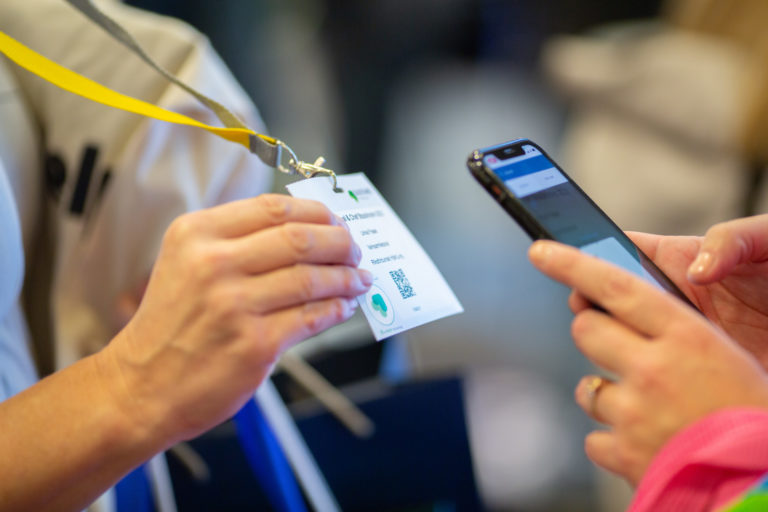
With Visit Connect, you can gather more information about your visitors. Scan the QR code on the visitor’s Smart Badge to take notes, answer preset questions, and see which booth staff created the contact. This tool makes it easier to follow up after the exhibition.
Visit Connect is available in the event app “Easyfairs Nordic.”
In My Easyfairs, you can find more information about Visit Connect and the Smart Badge.
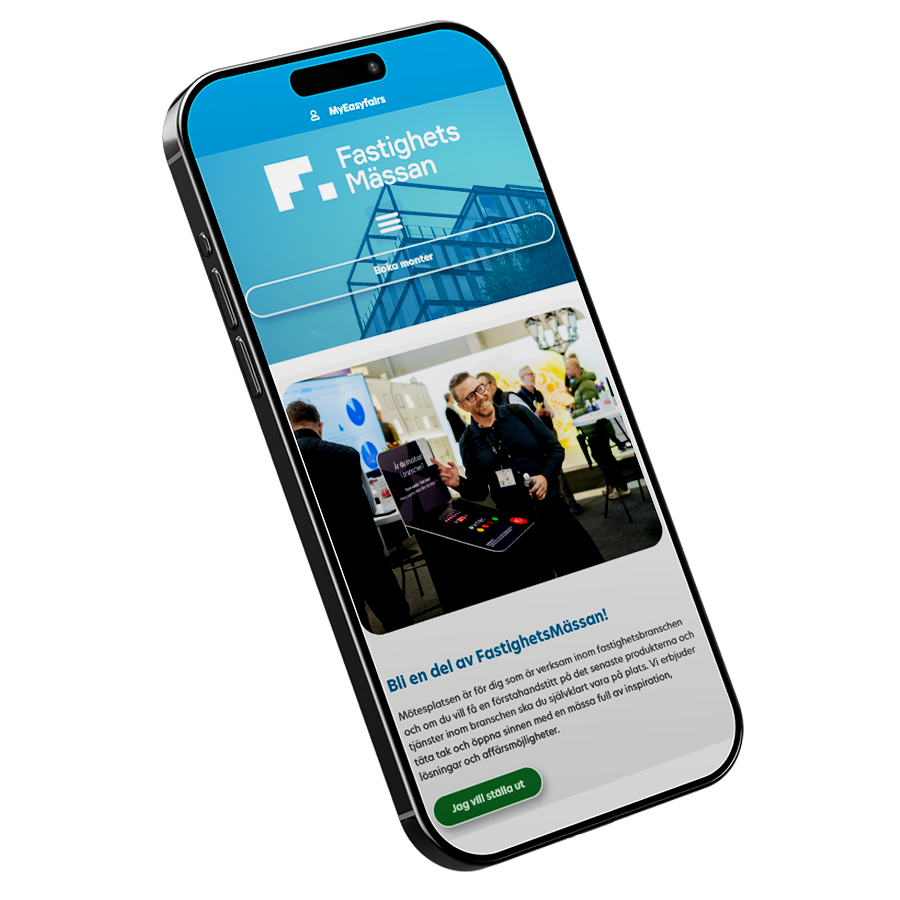
The Easyfairs Nordics app gives you as an exhibitor, full control throughout the entire event, from preparation to follow-up.